
Connect your POS
Import checks, tips, and clock-in data automatically — no spreadsheets, no manual entry.
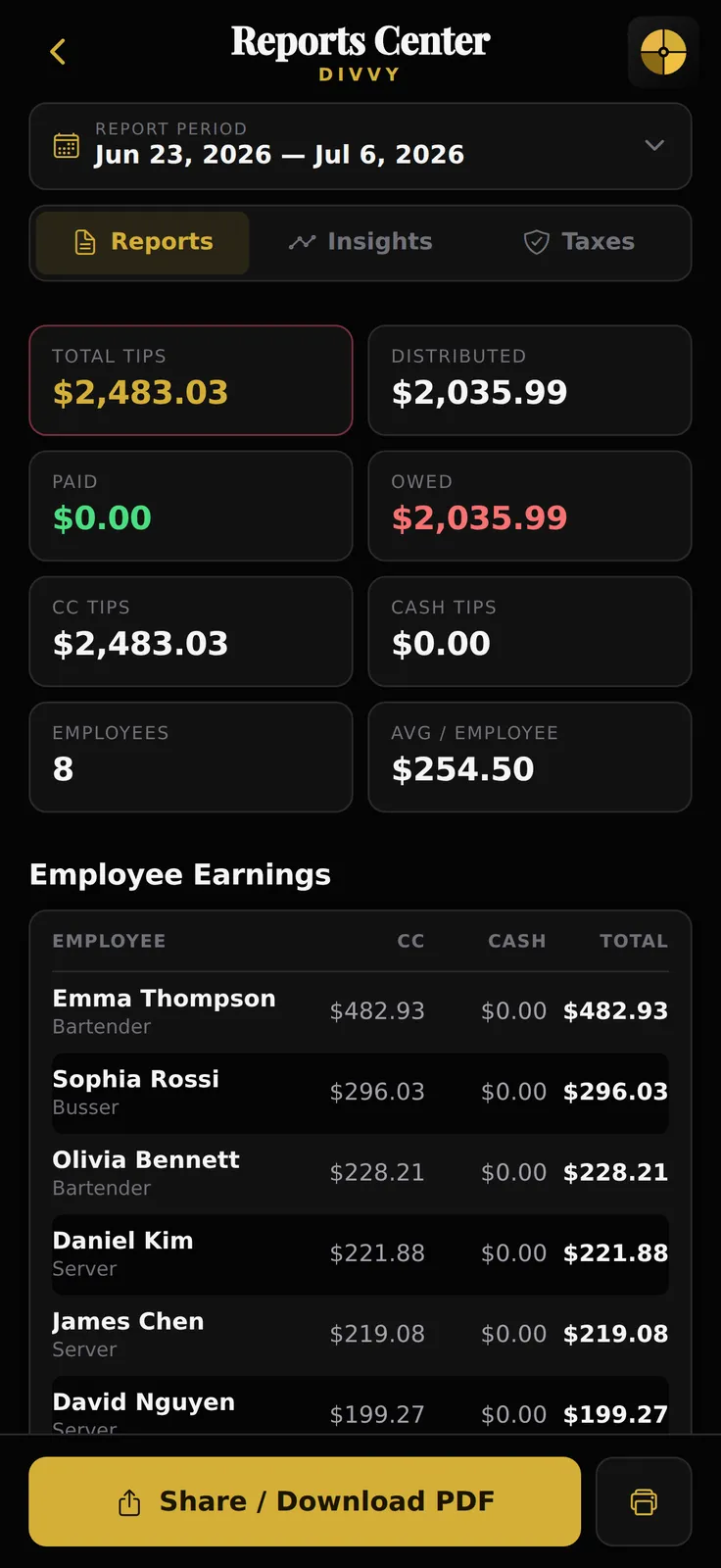
Divvy connects to your POS, applies the tip rules you choose, and shows managers and employees exactly how each payout was calculated. Start with tip pools and tip-outs, then add schedules, hiring, and team operations as you need them — one predictable price per restaurant, with no per-employee fees.
Already have 7shifts, Homebase, or TipHaus? Try Divvy alongside them for free and compare the workflow—and the cost—for yourself.
Free trial: no credit card, every feature, your own POS data.
Open the full app on realistic sample data right in your browser — real tip pools, payouts, and reports. No account, no card, nothing to install.
Add your restaurant and run it with your own POS data for 14 days — every feature unlocked, no credit card, nothing charged automatically.
Already on Divvy? Sign in to your restaurant or employee portal from any device — phone, tablet, or desktop.
Connect your POS, choose the rules that fit your restaurant, and give the whole team one place to understand the result.
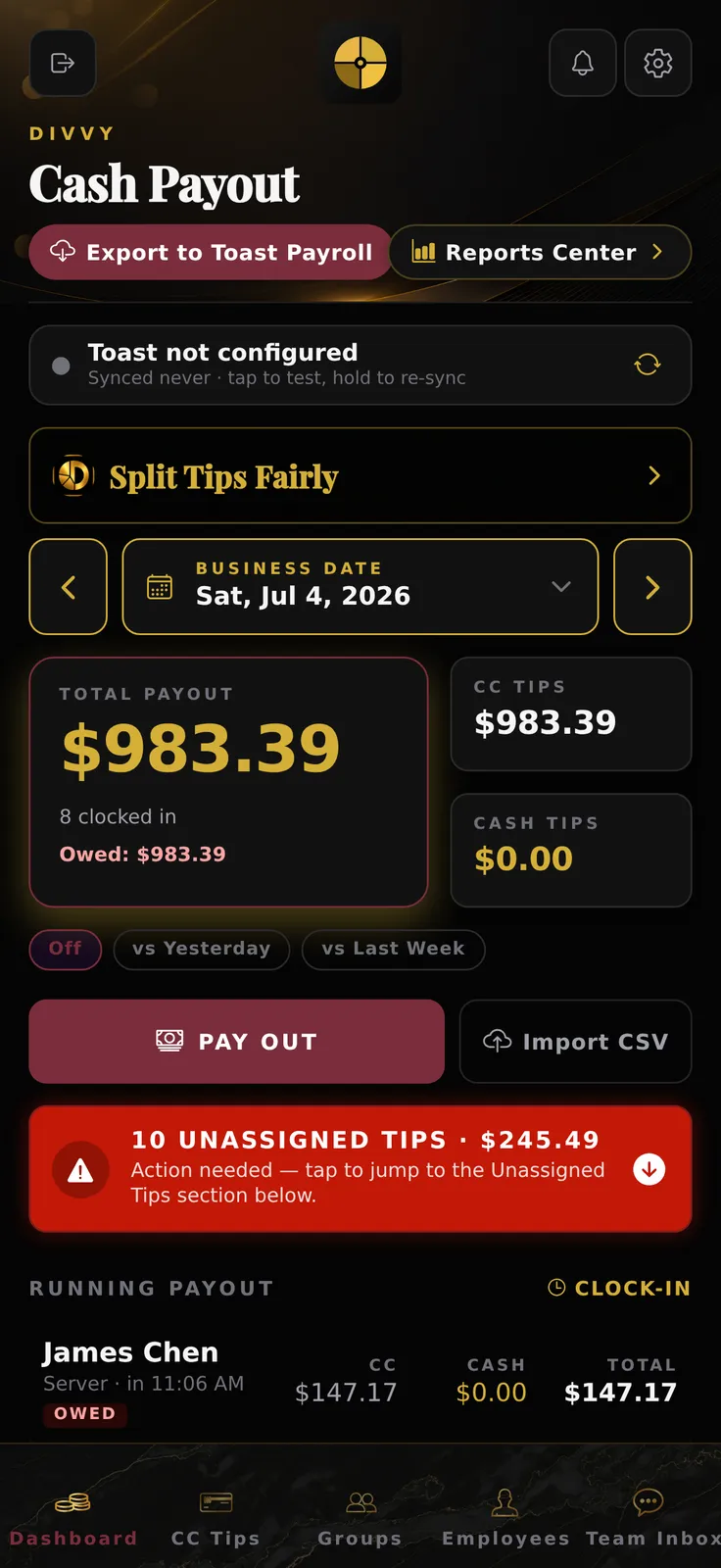
Import checks, tips, and clock-in data automatically — no spreadsheets, no manual entry.
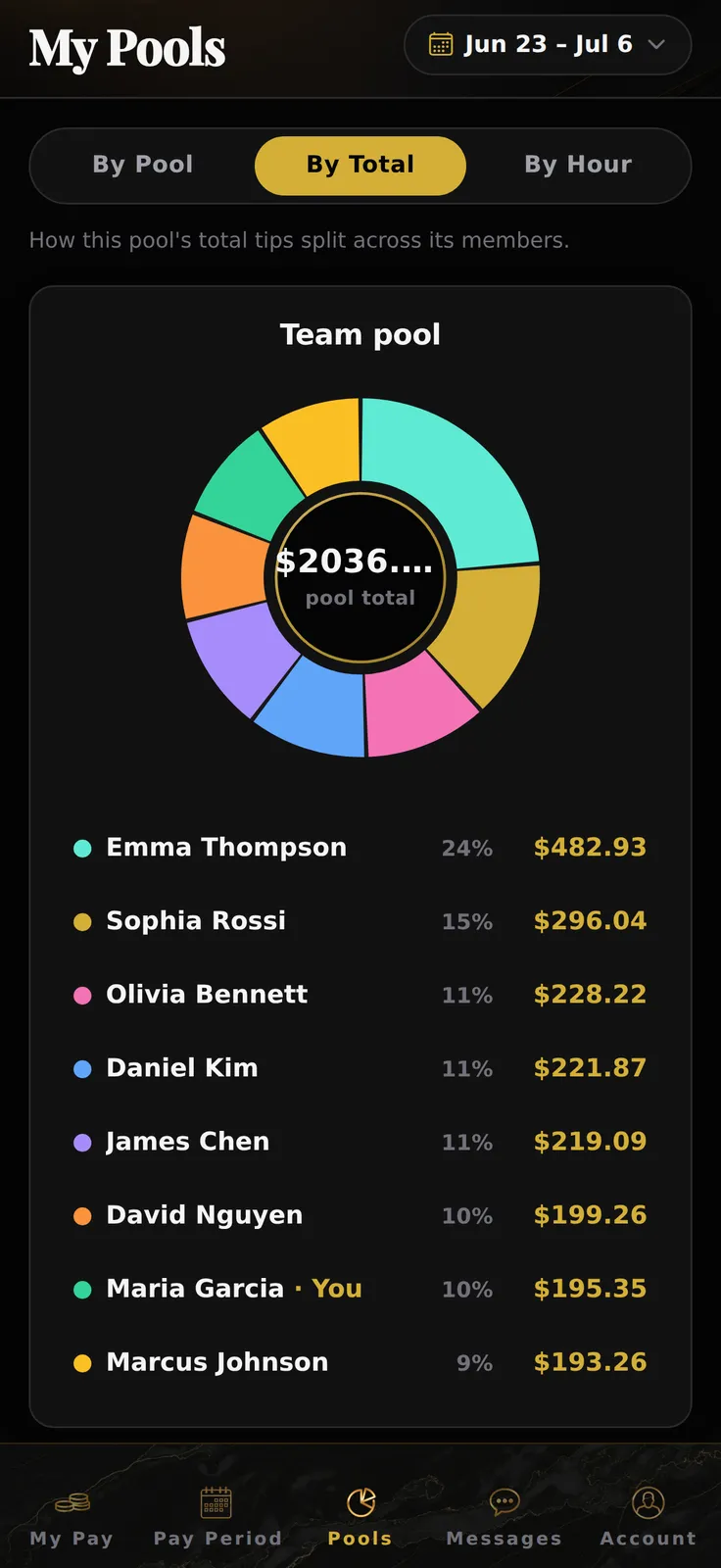
Choose pools, tip-outs, points, hours, or keep-your-own rules that match how your restaurant works.
Managers and employees can see how each payout was calculated, down to the cent.
Build schedules with templates and labor tracking, or sync from 7shifts, Sling, Deputy, When I Work, or Homebase.
Post jobs to your own careers page, track applicants, and onboard hires straight into your tip pools.
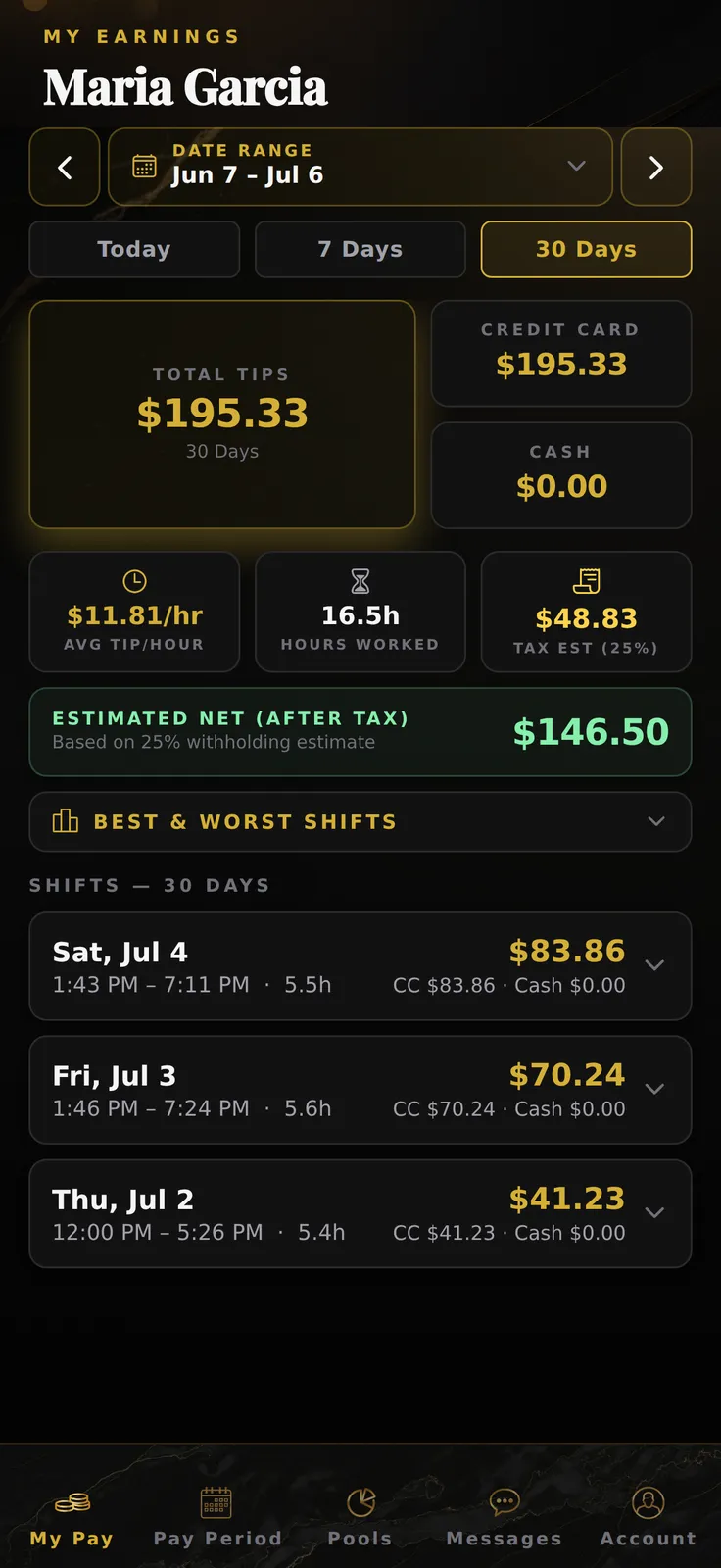
Staff log in to see their own tips, hours, and pay-period totals — transparency without extra work for you.
Start your trial in the browser, then add Divvy to your home screen if you want an app-like experience. No app-store account is needed for the web version.
Run a real pay period with your restaurant’s data first. When you’re ready, add Divvy to your home screen and open it full-screen like an app.
The web app is ready today on iPhone, iPad, and Android. A native iOS app is still in development.
Read Divvy's practical guides on tip pooling laws, tip-outs, restaurant payroll workflows, and POS setup.